This Shouldn't Be a Chore
You have a document in your hand and a deadline in your head. The lender wants the signed form scanned and emailed before five. The insurance company says attach it as a PDF. Your kid's school needs the enrollment paperwork digital, not paper. And you don't own a scanner — or the one in the closet fights you on every third page — so a two-minute task turns into an afternoon of hunting for an app, a flatbed, and a place to send it from.
It should be simple: hand the pages to someone, get a clean PDF in your inbox, walk out. That's the whole job.
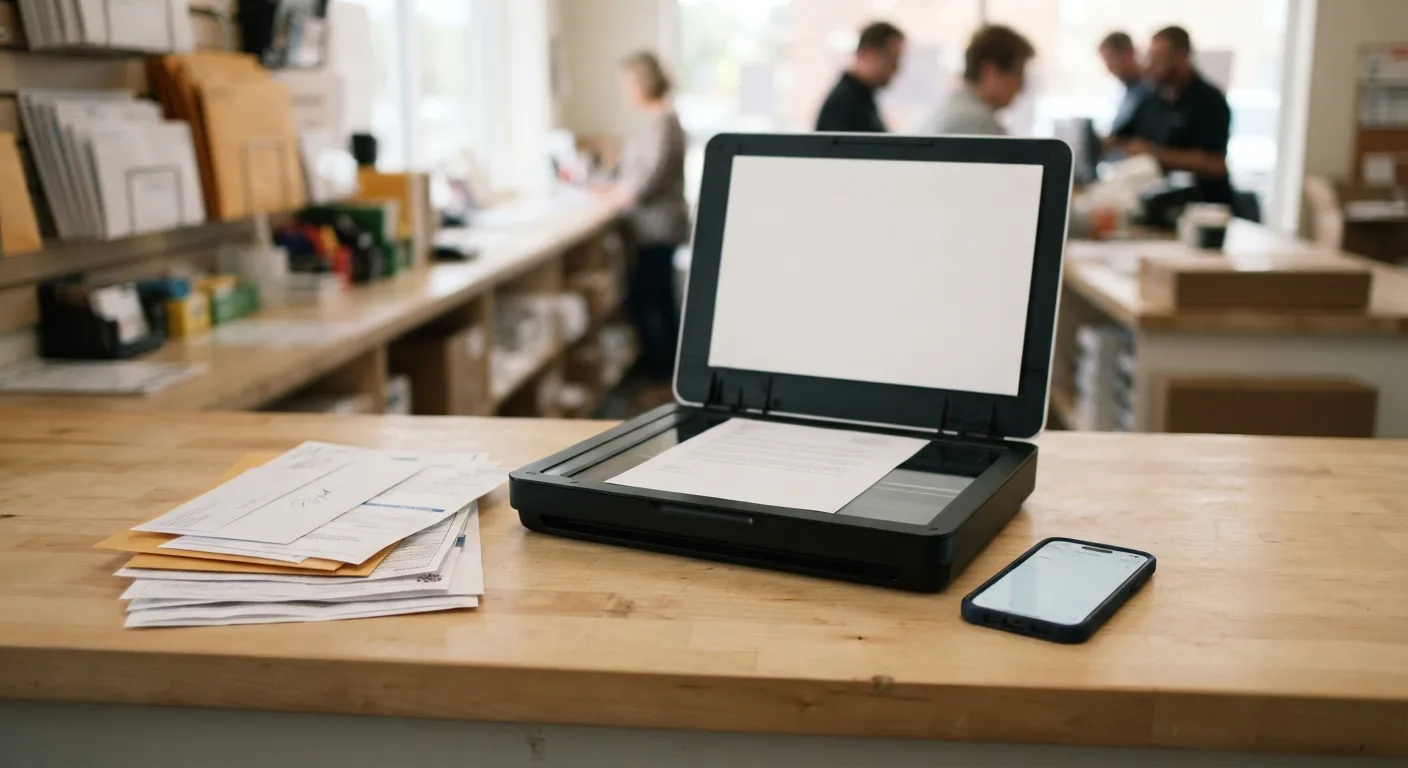
At Mailbox Plus at 7554 Fredle Drive in Concord Township, that's exactly what happens at the counter. We scan your pages, email the file where it needs to go, and hand your originals straight back. Here's why this errand keeps being harder than it should be — and how to end that for good.
The Scanner-and-Email Gap, in Plain Terms
Here's the mechanism working against you: the world went digital, but the equipment to join it didn't land in your house. Your bank, your insurer, your kid's school, your employer's HR portal — they all accept documents now, but only as files. Meanwhile the machine that makes files is a several-hundred-dollar purchase for something you need maybe six times a year. So the demand is real and constant, and the supply at home is a drawer.
Phone scanning apps pretend to close that gap. And sometimes they almost do — until you're flattening a creased page on a dark kitchen table, trying to get the glare off a glossy insurance card, cropping four pages into one file, and hoping the other side accepts a photo with a shadow across the signature line. Then there's the email itself: what format do they want, how big can the attachment be, did it even send?
The gap isn't your skill. It's that the task was designed for a machine you were never going to buy.
The Part That Wears You Down
It's the third try on the same page. You've got the bill flat on the table, the lamp angled, and the photo of it still looks like evidence from a crime scene — skewed, shadowed, the account number a smudge. You retake it. You crop it. The app wants a subscription to unlock the PDF export. Now you're eight minutes into a two-minute job, and the deadline hasn't moved.
And underneath the hassle is what comes after you press send: you're refreshing the sent folder, reopening the attachment on your phone, squinting at the signature line to see if it's readable on their end. Did the attachment go through? Was the file readable on their end? Will they call back Thursday and say it never arrived — the same Thursday you're driving to another appointment? A scan isn't done when you press send. It's done when someone on the other end can actually read it, and no kitchen table ever told you that.
Simple Things, Made Complicated on Purpose
A page of paper, converted to a file, delivered to an inbox — that's a two-minute task with 1980s-level technology inside it. There is no good reason it should require a subscription paywall, a desk lamp, and a file-size error at 4:58.
It stays complicated because nobody's job is to take custody of it. The app model charges you a subscription to unlock PDF export, then leaves you to fight glare, cropping, and file-size limits alone. The big-box print counters trap you in a queue, then hand you a self-service kiosk with a touchscreen that wants an account you don't have and a payment method it won't take. The library's machine is down, or booked solid, or needs a library card you left at home. Every option hands the labor back to you — the person who just needed the page to arrive. The task isn't hard. The system around it is just missing the one thing that fixes it: a person who does this every day, standing at a machine that does this every day.
The Store That Takes the Headache
That's the whole role we play at Mailbox Plus in Concord Township. We're not a tech company. You're walking into a neighborhood store where the person behind the counter scans documents all day — no login, no subscription, no account. You just need the page in your hand.
We handle each page by hand. We scan high-resolution to PDF — searchable PDF with OCR when you want to type "roof warranty" into a search box later and find the page. We know what file size most systems accept, we can send it to your email or the recipient's directly, and we confirm it went. Your originals come back to you before you leave — we're not a mail-away service, nothing leaves the store. And if the document turns out to need a signature first, a notary is ten steps away. One counter, one stop. If the pages you're holding are archives you want digitized rather than sent — a whole box of records, not today's deadline — that's our document scanning project service, same counter.
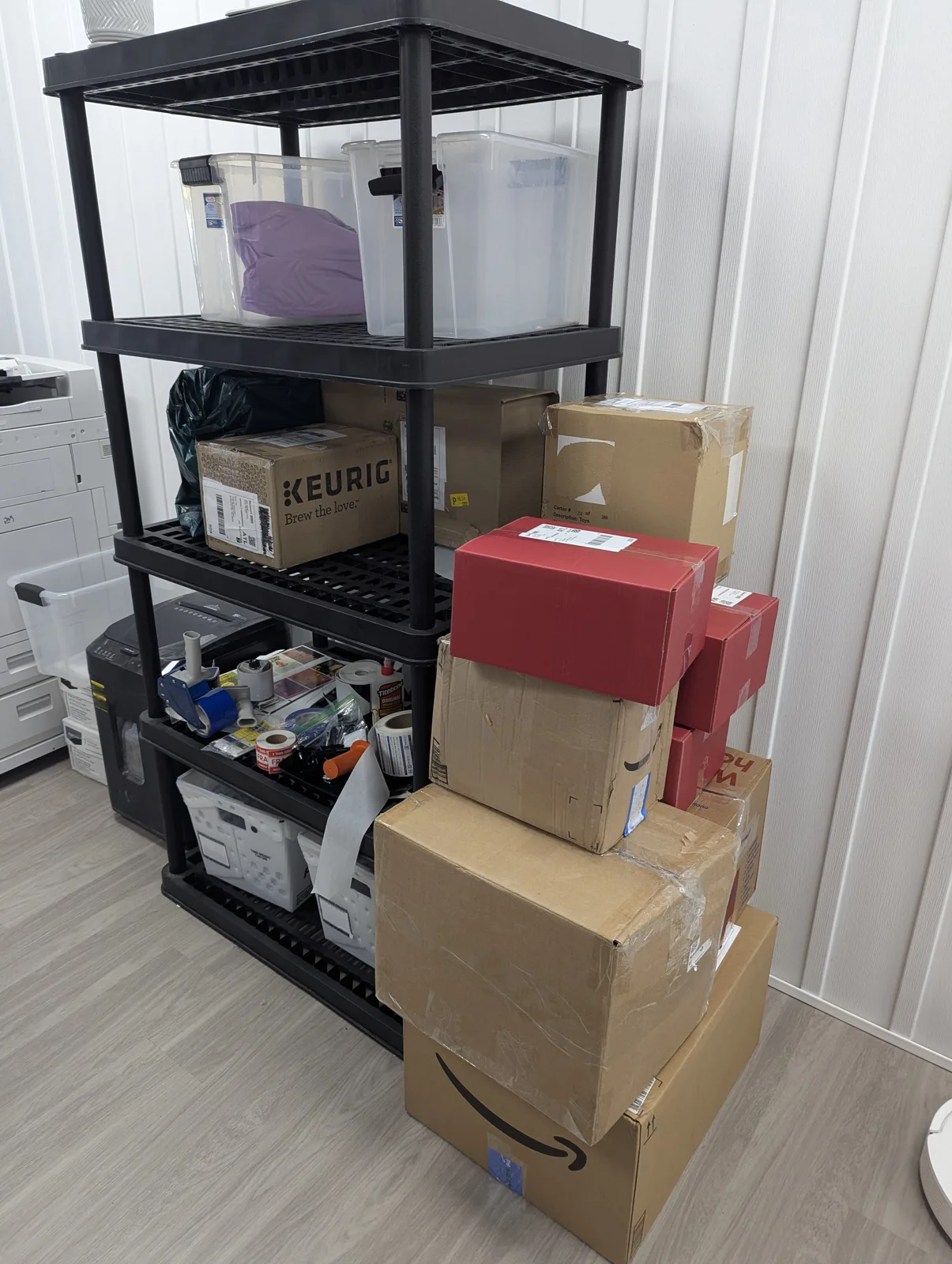
The commercial copier and print station in the back room at Mailbox Plus in Concord Township, Ohio, beside the packing bench where documents get scanned, copied, and emailed
Walk In. Set It Down. Walk Out.
Three steps, no homework:
- Bring what you have. Loose pages, folded forms, a folder of statements — no pre-sorting, no file naming, nothing to install. Just bring the paper.
- Tell us where it goes. Your email, their email, or both. PDF, searchable PDF, whatever the other side actually accepts. We scan it and send it while you're at the counter.
- Take your originals and go. The file's in the inbox, the paper's back in your hand, and the whole thing happened in the time a self-service kiosk would have taken just to warm up.
What You Give Up by Defaulting
Stick with the kitchen-table method and here's the bill you keep paying without noticing:
Time. Ten minutes per document, multiplied by every document, multiplied by the retakes when a page comes out unreadable and the recipient asks you to send it again. That's time you don't get back — spent on a task a counter finishes before you finish explaining it.
The second trip. The phone scan that "worked" often doesn't survive contact with the recipient — too dark, too skewed, not a real PDF. When it bounces back, you do the job twice, plus a drive in between.
The record itself. The real cost isn't the errand. It's that every important paper in your life stays paper — one basement leak, one move, one misplaced folder from gone. The documents you scan and file today are the ones you can pull up on your phone the day the water heater lets go. The ones you don't are a scavenger hunt with stakes.
Off Your Desk, Off Your Mind
Picture the rest of that day. You swing by the store on your normal route — minutes from Concord, Mentor, Painesville, and Chardon — just off Route 306 (Chillicothe Road). You hand over the pages, give the email address, and answer exactly zero questions about resolution or file format. The counter sends it. You take your originals back and you're done.
And here's the part that matters: the mental tab closes. No notification chime you keep glancing at to see if the attachment bounced. No faint worry that the scan was too dark. It's gone from your head because someone competent took custody of it — the same feeling as handing your tax folder to your accountant in April instead of doing the math yourself at the kitchen table at midnight. That document is sent, readable, and out of your life. That's what "scanned and emailed" is supposed to feel like.
No Appointment Needed
You don't need to have anything figured out before you walk in. Don't sort the pages, don't pick a format, don't worry about whether the other side wants an attachment or a link. Bring the paper as it is — the creased form, the whole folder, the one page you need before five. No appointment, no minimum page count. Figuring out the scan is literally our job, and absorbing that headache is why the counter exists.
Stop at Mailbox Plus, 7554 Fredle Drive in Concord Township. Hand the pages across, tell us the email address, and walk out with the file sent and your originals in hand. The next time something needs to be scanned and emailed, you already know where to go.
Related reading: USPS Certified Mail versus tracked courier services and walk-in document shredding versus drop consoles.